 spitball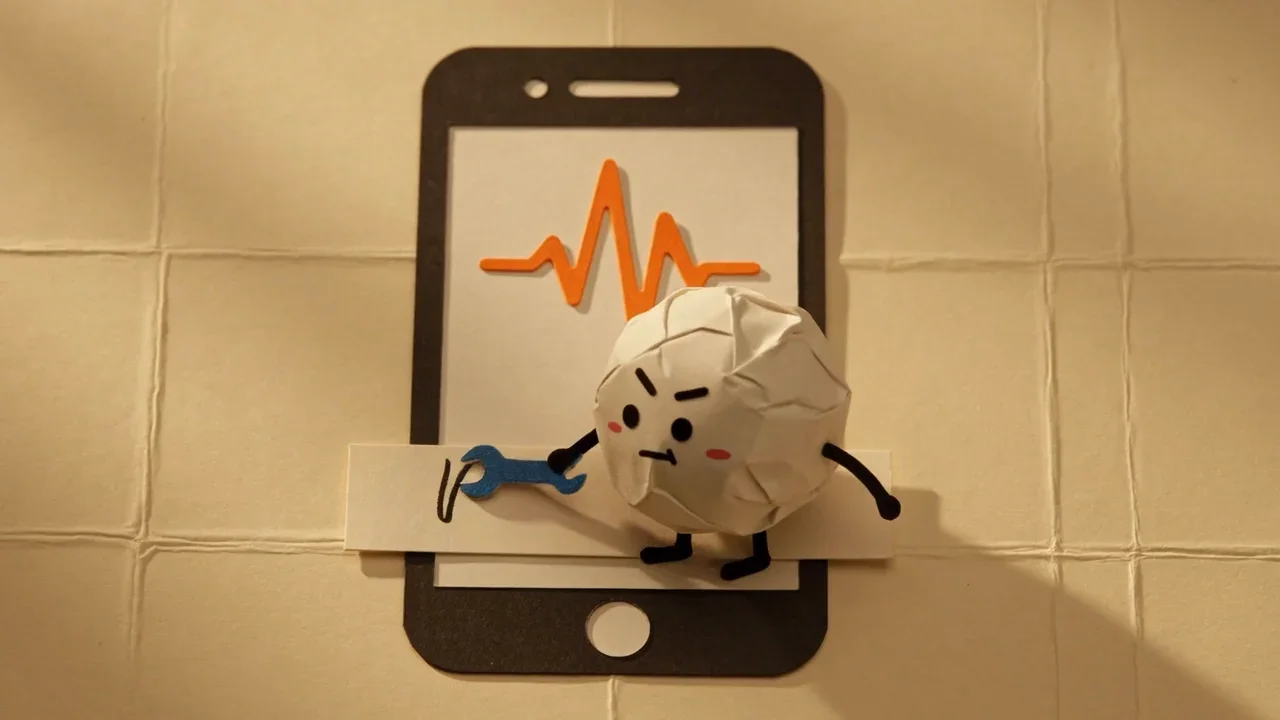
THE SHORT VERSION
What to take away
- Voice Memos and Notes transcription need an iPhone 12 or later; check your model in Settings > General > About.
- Speak a supported language. Notes also needs your device language set to one of Apple's 10 transcription languages.
- Apple says transcription isn't available in all countries or regions; check Settings > General > Language & Region.
- In Spitball, check speech permission, let Apple's speech model download, leave the app open, and retry. Spitball transcribes English only.
- If nothing works, keep the audio: listen and type key points, use Dictation, or contact support.
WATCH THE IDEA
Voice memo saved but no transcript? What to check
A short illustrated checklist for missing voice memo transcripts on iPhone: model, language, region, permissions and time to finish. Keep the audio, so you can retry or check it later.
Read the video transcript
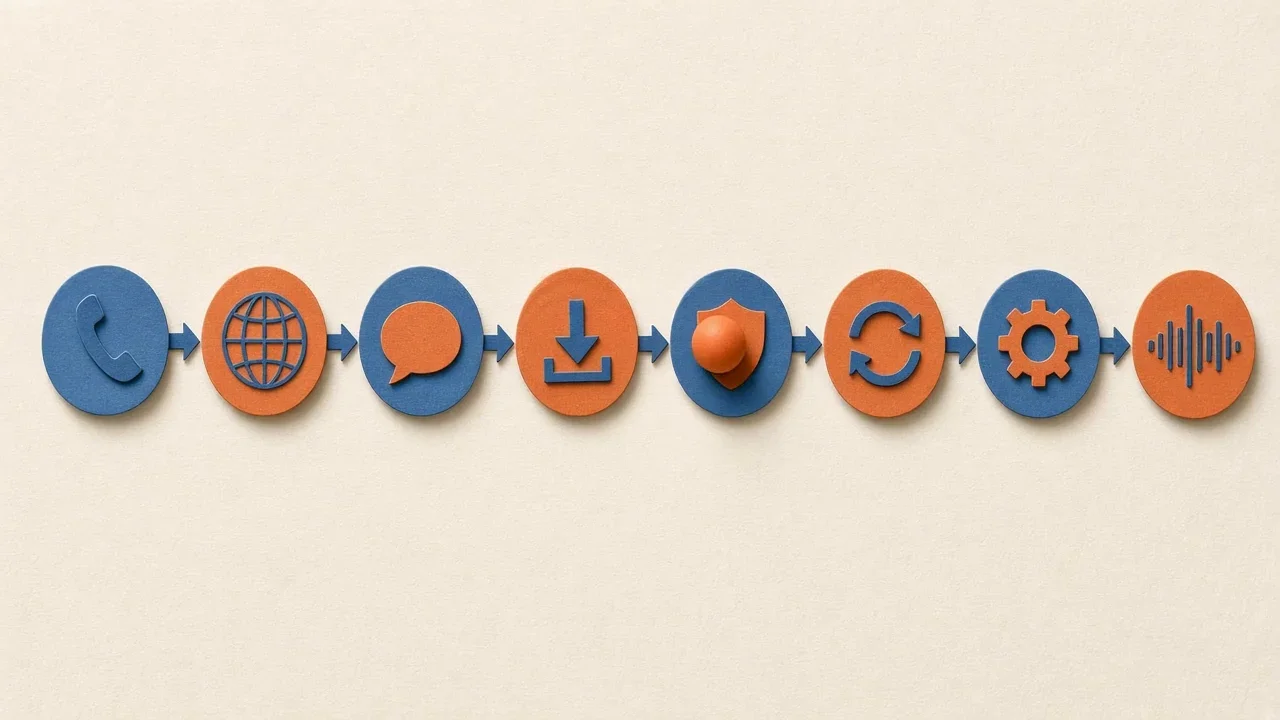
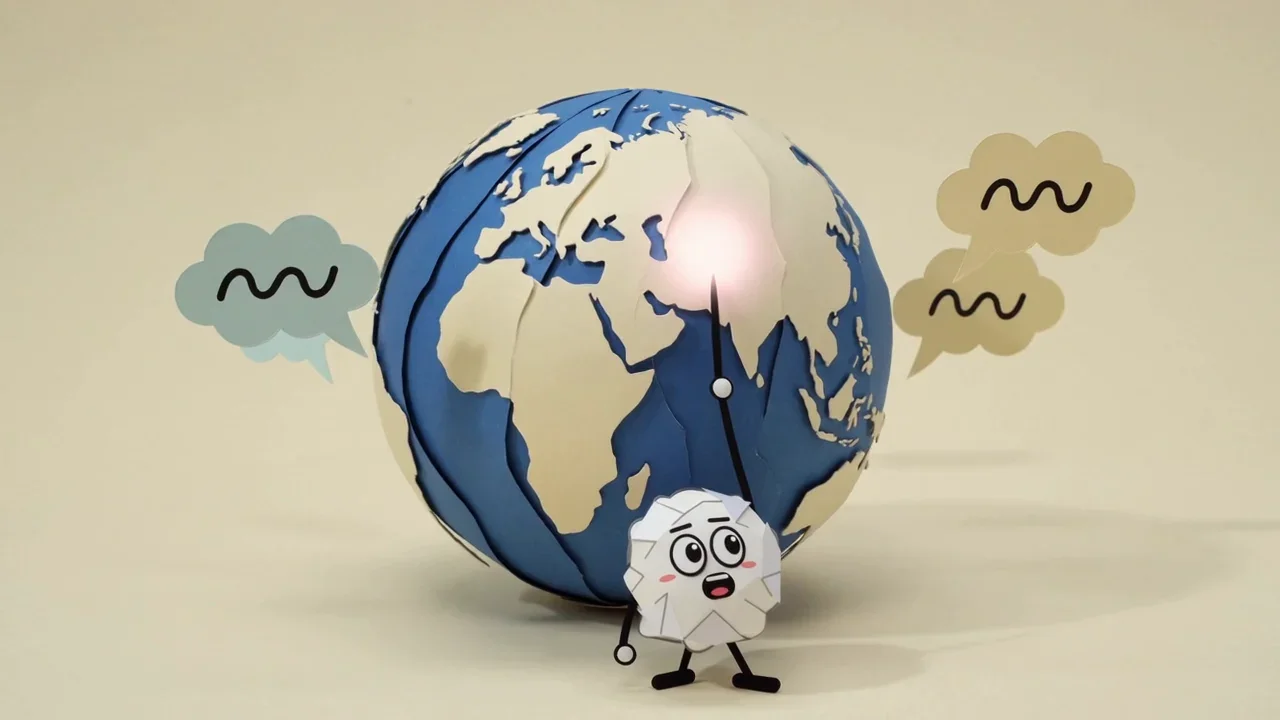
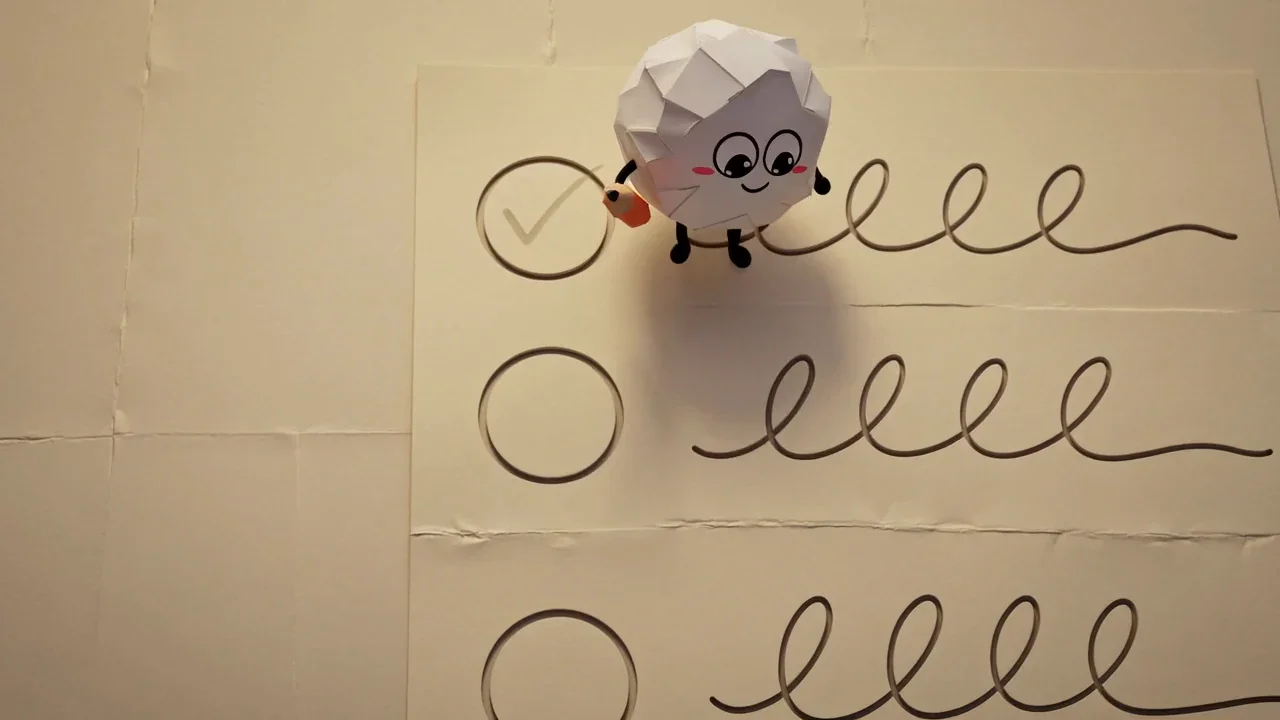
This video has no narration. Pip taps a paper iPhone with a tiny wrench until an empty text strip fills in, a paper ball rolls along a flowchart of icons, Pip points at speech bubbles orbiting a paper globe, then ticks a checklist row by row. Captions: Voice memo saved, but no transcript? Work through the fixes one at a time. Model, language, region, permissions, and time to finish. Check the language you spoke and your device language. Keep the audio. You can retry or check it later.
If voice memo transcription isn't working on iPhone, check that you have an iPhone 12 or later, that you spoke a supported language, and that transcription is available in your region. In Notes, your device language also has to be supported. In apps like Spitball, check speech permission, then retry with the app open.
This guide walks through 8 fixes in order, from the most common cause to the least. It covers Apple's Voice Memos and Notes apps and Spitball, which is our app. The Apple steps come from Apple's iPhone User Guide for iOS 27, checked October 20, 2026. Labels can differ slightly on older versions of iOS.
What should I check first?
Run through this quick checklist before anything else. Most missing transcripts come down to one of these:
- Model: is your iPhone an iPhone 12 or later? (Voice Memos and Notes)
- Language: did you speak one of the supported languages? Is your device language supported? (Notes)
- Region: is transcription offered where you are?
- Speech: does the recording actually contain clear speech?
- Permissions: does the app have microphone and speech access? (third-party apps such as Spitball)
- Time: did the app have time to finish, with the speech model downloaded?
If you've ticked all of those, keep reading for the full fixes. If you're new to transcription on iPhone, our guide on how to transcribe voice memos on iPhone shows where transcripts normally appear, which helps rule out a transcript that exists but is simply in a different place than you expected.
Fix 1: Is your iPhone model supported?
Voice Memos and Notes transcription need an iPhone 12 or later. Apple says Voice Memos transcription "is available on iPhone 12 or later" (Apple: View a Voice Memos transcription), and Notes transcription is "available on iPhone 12 and later" (Apple: Record and transcribe audio in Notes). An iPhone 11, for example, can run iOS 27 and record audio, but Apple doesn't list these transcription features for it.
To check your model, open Settings > General > About and look at Model Name. The same screen shows your iOS version (Apple: Get information about your iPhone).
Spitball has different requirements: an iPhone with iOS 17 or later. Spitball uses Apple's on-device speech capabilities, and its support page says support "varies by device and language," so an older iPhone may record in Spitball without producing a transcript. If that happens, Spitball keeps the recording, so the thought isn't lost.
Fix 2: Did you speak a supported language?
Transcription only works for supported languages. For Voice Memos, Apple lists English (all variants), Spanish, Portuguese, Italian, French, German, Japanese, Korean, Simplified Chinese and Traditional Chinese. If you recorded in another language, or switched languages mid-sentence, the transcript may be missing or garbled.
Notes adds a second condition. Apple says Notes transcription works "when the device language is set to" one of those languages. And if you don't see the transcript button in Notes, Apple says your iPhone "either doesn't meet the minimum requirements or doesn't detect a supported language." To check or change your device language, go to Settings > General > Language & Region (Apple: Change the language and region).
Spitball transcribes English only right now. If you record a thought in Spanish or Hindi, for example, Spitball will save the recording, but you shouldn't expect a transcript. For non-English transcription on iPhone, Voice Memos or Notes are the better choice today.
Fix 3: Is transcription available in your country or region?
Apple says Voice Memos transcription is "not available in all countries or regions." If your iPhone, language and recording all look fine but transcripts never appear, region availability may be the reason. Apple's iPhone guide notes that features "may vary depending on your iPhone model, region, language, and carrier," and points to its iOS and iPadOS Feature Availability website for details (Apple: iPhone models compatible with iOS 27).
Your region setting is under Settings > General > Language & Region, next to the language. Set it to where you actually live: changing your region also changes formats like dates, temperature and measurement units, and some features depend on it. If you've recently moved or traveled, check that the region still matches.
Region availability is Apple's decision, so there's no workaround inside the app. If transcription isn't offered in your region, use Voice Memos to record and type the key points yourself, or use Dictation to speak text into a note, which Apple says is processed on your iPhone in many languages (Apple: Dictate text).
Fix 4: Does the recording contain clear speech?
A transcript can only be as good as the audio. Play the recording back from the start. If you hear mostly wind, traffic, music or silence, or if the microphone was covered, the app may not detect enough speech to transcribe. Apple's wording hints at this: Voice Memos transcribes older recordings automatically "if it includes recorded speech."
For your next recording:
- Hold the iPhone a comfortable distance from your mouth and keep your fingers off the microphone.
- Move somewhere quieter, or pause the recording until a noise passes and then resume.
- Speak in short, complete sentences, and say names and numbers clearly.
- If you're using Bluetooth earbuds or an external microphone, check which microphone the app is actually using.
When the audio is fine but the transcript has mistakes rather than gaps, that's a different problem. Speech-to-text makes errors, especially with names and jargon. Keep the recording, and check the audio before you rely on the text.
Fix 5: Does the app have microphone and speech permission?
Third-party apps need your permission to use the microphone and, for transcription, speech recognition. If you tapped Don't Allow when an app first asked, it may record silence or skip transcription.
Apple says apps are "required to request your permission" before using the microphone, and you can review and change access in Settings > Privacy & Security: tap a feature such as Microphone to see the apps that requested access and turn access on or off (Apple: Control access to hardware features). If you see Speech Recognition in the same list, check that the app is allowed there too.
For Spitball specifically, Spitball's support page says to "check speech permissions in iPhone Settings." Spitball's privacy policy explains what each permission does: "Microphone access lets you record. Speech permission enables transcription." Camera, photos and location are optional and only used if you add a photo or place to a thought.
Fix 6: Has the speech model downloaded, and did the app have time?
On-device transcription can need a one-time download. Spitball's support page says "the first transcription may need to download Apple's speech model." Until that download finishes, the first transcript may not appear. Connect to Wi-Fi or a reliable cellular connection the first time you use transcription.
Spitball also asks you to "leave Spitball open while it works." Transcription takes a little time, and switching away immediately after recording can interrupt it. After your first few thoughts transcribe successfully, this step usually stops mattering. For background, see how on-device transcription works on iPhone.
Apple's Voice Memos and Notes pages don't describe a separate model download, so for Apple's apps, focus on fixes 1 to 4. If a Voice Memos transcript seems slow, close the recording and open it again after a moment.
Spitball doesn't send audio to the cloud when on-device transcription isn't available. That's a privacy choice, and it means there's no cloud transcription fallback: if your device can't transcribe, you keep the audio instead of getting a cloud transcript.
Fix 7: Can you retry or reopen the recording?
Sometimes a transcript just needs a second attempt.
- Spitball: open the thought, play the audio to check it, and retry transcription. Spitball's support page says your recording "can still be saved when transcription doesn't finish," so nothing is lost while you retry.
- Voice Memos: open the recording again. Apple says recordings made in earlier versions of Voice Memos (iOS 17 or earlier) are transcribed automatically when you open them, if they include speech. Then tap the More button and look for View Transcript.
- Notes: tap the recording, then tap the transcript button. If it's not there, go back to fixes 1 and 2.
If the app seems stuck, quit it and open it again. Apple's guide covers how to quit and reopen an app from the App Switcher. In Spitball, don't delete the thought to "start over": deleting removes the recording, and Spitball doesn't keep a server copy it can restore.
Fix 8: Is iOS up to date, and have you restarted?
Updates can fix bugs that affect recording and transcription. Go to Settings > General > Software Update to install the latest iOS for your iPhone (Apple: iPhone models compatible with iOS 27). Update the app, too. For Spitball, open TestFlight to install the latest beta build, since beta builds can expire.
Then restart your iPhone. A restart clears temporary problems that a single app can't recover from on its own. After it restarts, make a short test recording of a few clear sentences in a quiet room. If that test transcribes, the problem was temporary. If it doesn't, the cause is almost certainly model, language, region or permissions, so recheck fixes 1, 2, 3 and 5.
Keep your expectations realistic: no transcription system is perfect, and a missing transcript on one noisy recording isn't a sign that something is broken.
What if nothing works?
You still have the audio, and that's the most important part. Some options:
- Listen and type the key points. For a short thought, this often takes less time than troubleshooting.
- Use Dictation. Tap the microphone on the keyboard and repeat the important part into a note. Apple says Dictation is processed on your iPhone in many languages, with no internet connection required, except that text dictated into a search field may be sent to the search engine.
- Try a different app for that job. For non-English speech, Voice Memos and Notes support 10 languages. For a comparison of apps and what each says about transcription, see Voice Memos alternatives for iPhone.
- Contact support. For Spitball, email nik@nik.co or open TestFlight, choose Spitball and tap Send Beta Feedback. Include your app version and what you were trying to do, and leave private thoughts out of screenshots.
For every way to record on iPhone, see our pillar guide to voice notes on iPhone. To learn how Spitball stores recordings and transcripts, read where Spitball stores your voice notes.
About the author
This guide was written by Nik Sharma, the developer of Spitball. Spitball is published by Long Wknd LLC. Nik founded and later sold Sharma Brands, hosts the Limited Supply podcast, and writes a Sunday newsletter at nik.co. You can find him on X (@mrsharma), LinkedIn and Instagram (@sharma).
Questions about Spitball? Start with Support, read the privacy policy, or DM Nik at @sharma on Instagram. Sources for this guide: Apple's iPhone User Guide for iOS 27 (Voice Memos, Notes, Dictation, language and region, hardware access and model pages) and Spitball's support and privacy pages, all checked October 20, 2026.
Ready to try it? Get the Spitball beta. Spitball is currently in beta through Apple's TestFlight. It's free right now, you'll need an iPhone with iOS 17 or later, and beta places are limited.
A FEW MORE ANSWERS
Good questions.
Why isn't my iPhone transcribing voice memos?
Check that your iPhone is an iPhone 12 or later, that you spoke a supported language, and that transcription is offered in your region. In Notes, your device language must be supported. Then play the recording to confirm it contains clear speech.
Why is there no transcript button in Notes?
Apple says that if you don't see the transcript button, your iPhone either doesn't meet the minimum requirements or doesn't detect a supported language. Check your model and set your device language in Settings > General > Language & Region.
Why doesn't Spitball transcribe my recording?
Spitball transcribes English only, on your iPhone. The first transcription may need to download Apple's speech model, and support varies by device. Check speech permission in iPhone Settings, leave Spitball open while it works, then retry. Your recording is kept either way.
Why does my transcript have wrong words?
Speech-to-text makes mistakes with names, jargon, accents and background noise. Record closer to the mic in a quieter place, say names clearly, and check the original audio before relying on the text. More tips in our guide to transcribing voice memos.
Can I get a transcript for an old voice memo?
Apple says that if you open a recording made in an earlier version of Voice Memos, iOS 17 or earlier, Voice Memos transcribes it automatically if it includes recorded speech. Open the recording on a supported iPhone, then check the More button.