 spitball
THE SHORT VERSION
What to take away
- Voice Memos is iPhone's built-in recorder; it transcribes on iPhone 12 or later in 10 languages and can sync through iCloud.
- Notes can record audio inside a note, show a live transcript, and add the transcript to the note as editable text.
- On iPhones with an Action button, a press and hold can start a Voice Memo or a shortcut such as Spitball's capture shortcut.
- Spitball saves each thought with an English transcript and the original audio, stored on your iPhone by default.
- Spitball is free right now in a TestFlight beta for iPhone with iOS 17 or later; each thought can be up to 5 minutes.
WATCH THE IDEA
Voice notes on iPhone, in 46 seconds
A short illustrated overview: catch an idea before it fades, record it with Voice Memos, Notes or the Action button, and see how Spitball keeps a transcript with the original audio, stored on your iPhone by default.
Read the video transcript
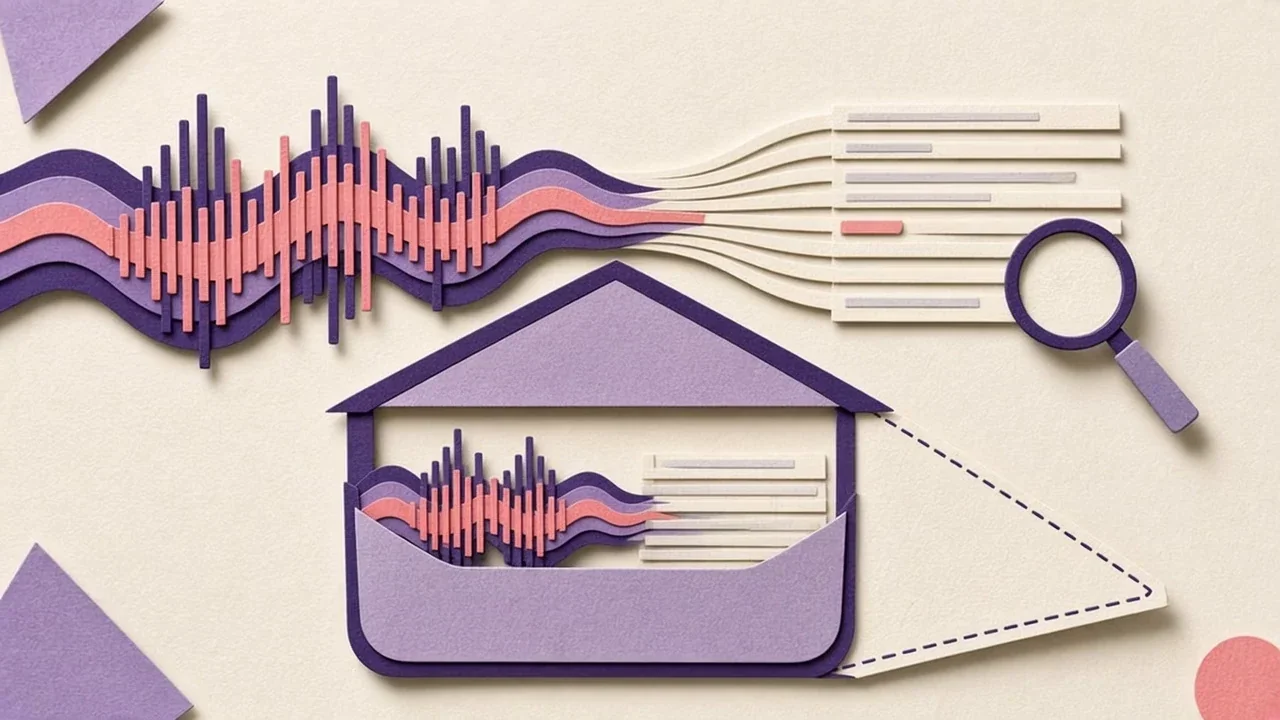
This video has no narration. Pip, the Spitball paper-ball character, catches a passing idea, presses and holds an iPhone side button, and watches a sound wave turn into paper strips of text that settle into a small paper house. Captions: Good ideas show up at random moments. On iPhone, a quick voice note is the fastest way to keep one. Say it out loud before it slips away. Voice Memos records audio. Notes can keep a recording inside a note. On iPhones with an Action button, press and hold to start capturing. In Spitball, press and hold again to save the thought. Your words become a transcript, and the original audio stays with it. Stored on your iPhone by default. Spitball is free in beta on TestFlight.
You can take a voice note on iPhone in three main ways: Apple's Voice Memos app, an audio recording inside Apple Notes, or a dedicated capture app such as Spitball. On iPhones with an Action button, a press and hold can start a recording without opening an app first.
Voice Memos suits plain or long recordings. Notes keeps audio next to written text. A capture app like Spitball saves each short spoken thought with a transcript, the original audio, and optional context like a photo or place. Spitball is our app, so we've listed its limits alongside the Apple options.
This guide walks through each option step by step, explains what happens to the transcript and where the audio is stored, and ends with a simple way to choose. The Apple steps follow Apple's current iPhone User Guide (iOS 27, checked October 20, 2026), and every Apple claim links to the page it comes from. Spitball details come from Spitball's published support and privacy pages. Menu names can differ slightly on older versions of iOS.
What counts as a voice note on iPhone?
A voice note is a short audio recording you make for yourself: an idea, a reminder, a rough plan, a lyric, a question you want to remember to ask. Unlike a voice message, it isn't sent to anyone when you record it. It's saved so you can come back to it.
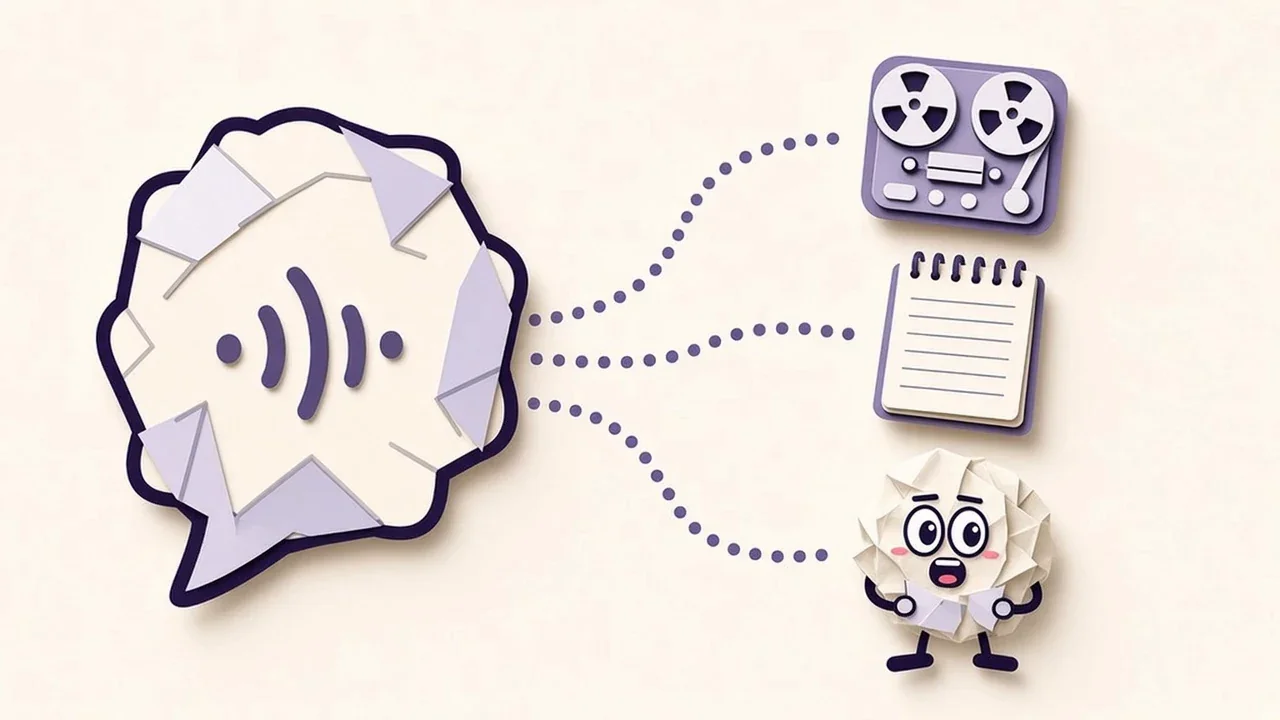
On iPhone, a voice note usually ends up in one of three places:
- Voice Memos, Apple's recording app, which keeps a list of recordings you can play back, rename, edit, search and share.
- Notes, where a recording lives as an attachment inside a note, alongside any text, checklists or images in that note.
- A dedicated capture app, such as Spitball, built around saving individual thoughts quickly and finding them again later.
Two features matter more than the recording itself: a transcript, so you can read and search what you said, and a clear answer about where the audio is stored. Both are covered for each option below.
Why bother recording at all? Psychologists use the term cognitive offloading for storing information outside your head (in a note, a list or a recording) so you don't have to hold it in memory. Researchers Evan Risko and Sam Gilbert describe it as "the use of physical action to alter the information processing requirements of a task so as to reduce cognitive demand" (Trends in Cognitive Sciences, 2016). Their review notes that offloading has been shown to improve performance in areas including memory, which is why a smartphone reminder is one of their opening examples. A voice note is one of the fastest ways to offload a thought when your hands or attention are busy.
How do I record a voice note with Voice Memos?
Voice Memos is already on your iPhone. Apple keeps it in the Utilities folder, and you can move it to your Home Screen to reach it faster. Apple describes it as a way to use iPhone as "a portable recording device to record personal notes, classroom lectures, musical ideas, and more" (Apple: Make a recording in Voice Memos).
Make a basic recording
- Open the Voice Memos app.
- Tap the red Record button and start talking. Move the microphone closer to or farther from what you're recording to adjust the level.
- Tap Stop when you're done.
The recording saves automatically. Apple names it "New Recording", or the name of your location if Location Services is turned on. Tap the recording, then tap the name to give it something more useful. An orange dot appears while the microphone is in use, which is iPhone's standard privacy indicator.
Pause, resume and keep using your phone
Voice Memos lets you stop and then tap Resume to continue, so you can record a thought in parts. To see more details while you're recording, swipe up from the top of the waveform. You can also switch to another app while recording, with one catch Apple calls out: if the other app starts playing audio, Voice Memos stops recording. On iPhone models with the Dynamic Island, the recording in progress appears there.
Keep recordings on your other Apple devices
Voice Memos can sync through iCloud. On iPhone, go to Settings > [your name] > iCloud > See All and turn on Voice Memos. Your recordings then appear and update automatically on your iPhone, iPad and Mac where you're signed in to the same Apple Account (Apple: Keep recordings up to date). With it turned off, recordings don't sync to your other devices automatically.
Best for: longer or general-purpose recordings such as lectures, rehearsals, interviews (with permission) and music ideas, especially if you want them on a Mac or iPad too. Musicians can follow our guide to recording song ideas on iPhone.
Can iPhone turn a voice note into text?
Yes. On supported iPhones, Voice Memos and Notes can both transcribe speech, and dedicated apps like Spitball can create a transcript too.
- Voice Memos and Notes: Apple lists transcription on iPhone 12 or later in ten languages, including English, Spanish, French, German and Japanese, and says it's "not available in all countries or regions" (Apple: View a Voice Memos transcription). In Notes, your device language must be set to one of them (Apple: Record and transcribe audio in Notes).
- Spitball: transcribes on your iPhone, in English only for now. If on-device transcription isn't available, it keeps your recording rather than sending it to a cloud transcription service, and you can retry later (Spitball Support).
Transcripts aren't perfect, especially with names, jargon, accents and background noise, so keep the original audio to check what you said. For step-by-step instructions, see how to transcribe voice memos on iPhone, and if no transcript appears, 8 fixes for voice memo transcription.
How do I record audio inside Apple Notes?
Recording in Notes makes sense when the audio belongs to a written note: a meeting page, a class outline, a project plan. Apple added recording and transcription inside notes in iOS 18 and iPadOS 18 (Apple: Use Notes on your iPhone).
- Open Notes and open or create a note.
- Tap the Attachment button, then tap Record Audio.
- Tap the Record button to start. Apple notes you can swipe down from the top of the screen to take written notes while recording.
- Tap the transcript button to see the live transcript, and use pause and resume as needed.
- When you're finished, stop the recording and tap Done. The recording appears in the note.
Afterward, tap the recording to review it. From the transcript view you can tap a word to play the audio from that point, choose Find in Transcript to search it, or choose Add Transcript to Note or Copy Transcript to turn it into editable text. Apple notes one important detail: deleting the audio recording also deletes the transcript, so add the transcript to the note first if you want to keep the text.
On iPhones that support Apple Intelligence, Notes can also generate a summary of a recording's transcript. And if you record a phone or FaceTime audio call (iOS 18.1 or later), Apple saves the recording and transcript in Notes.
Best for: audio that belongs inside a larger written document, like meeting notes, study notes, or a plan you're actively editing.
Can I start a voice note with the Action button?
Yes, if your iPhone has an Action button. You choose what it does in Settings > Action Button, and you trigger it with a press and hold (Apple: Use and customize the Action button).

- Voice Memo: Apple describes this action as a way to "record personal notes, musical ideas, and more." Your recordings land in Voice Memos.
- Shortcut: select Spitball's capture shortcut, then press and hold to start recording and press and hold again to finish and save the thought. Apple points out that you must pick a specific shortcut, otherwise the Action button does nothing.
No Action button? You can still record inside Voice Memos, Notes or Spitball. For which models have the button and both setups step by step, see how to record a voice memo with the Action button.
When does a dedicated capture app like Spitball make sense?
Voice Memos and Notes are good general tools. A dedicated capture app is worth considering when most of what you record are short, separate thoughts, such as ideas, reminders and half-formed plans, and you want each one saved as its own item you can search, add context to and share.
That's the job Spitball is built for. It's an iPhone app from Long Wknd LLC, developed by Nik Sharma. Here's what it does, based on its published support and privacy pages:
- Record or type a thought. Speak naturally, save the recording, and come back to the transcript later. You can also type instead.
- Keep the transcript and the original audio. Replay what you actually said whenever the text needs checking.
- Add context. Attach a photo or a place when it helps future-you understand the moment.
- Search. Look for a word you remember to find the thought again.
- Share when it's ready. Send a thought as text, an image or a file, and include the recording if you want. The person receiving it doesn't need Spitball to read the text or open a standard exported file.
- Capture with the Action button. Press and hold to start, press and hold again to save, on compatible iPhones.
- No account. You don't need a Spitball account to use it.
What to know before you try it
- It's in beta. Spitball is currently available through Apple's TestFlight beta program. Beta places are limited and builds can expire. The download page walks you through installing TestFlight and then Spitball.
- It's free right now.
- iPhone only, iOS 17 or later.
- English transcription only, created on your device.
- Each thought can be up to 5 minutes long. That suits quick ideas. For a full lecture or a long interview, Voice Memos or Notes is the better fit.
What a captured thought looks like
Say you're walking home and an idea hits: "What if we made a Sunday dinner club? Everyone brings one dish, someone brings a friend, and we do it again next month." With Spitball, you press and hold the Action button (or open the app), say it in a few seconds, and press and hold again to save. Later you can search for "dinner", replay the audio to hear how excited you were, add a photo of the park where you'd host it, and share the thought to the group chat as text when it's ready. That small loop, from capture to context to share, is what a dedicated app is designed around.
If those limits fit how you capture ideas, Spitball keeps each thought small, separate and easy to come back to. If they don't, the built-in apps are a solid choice, and you can use more than one.
Where are iPhone voice notes stored, and who can see them?
It depends on the app, so check each one's setting rather than assuming.
- Voice Memos: on your iPhone, and also in iCloud if you turn on Voice Memos in iCloud settings, which syncs recordings to your other devices signed in to the same Apple Account.
- Notes: a recording is an attachment, so it follows its note's account: iCloud, or your iPhone if the note is saved on the device.
- Spitball: in its library on your iPhone by default; Spitball doesn't upload your library to its own servers. Optional iCloud Sync uses your own Apple Account, and deletions can sync too (Spitball Support).
"Stored locally" doesn't mean nothing ever leaves your phone. Spitball's optional usage analytics are off unless you turn them on, and they exclude your thought text, recordings, photos and places. TestFlight, Apple's beta service, separately collects beta usage and crash information. The Spitball privacy policy lists every field, and where Spitball stores your voice notes explains it in plain language. For the bigger picture, read what makes a notes app private and how on-device transcription works.
How do I find a voice note later?
Recording is the easy part. Finding the right recording three weeks later is where a voice-note habit succeeds or fails.
- Voice Memos: tap Search and type a word. Apple says the list shows recordings with that text "either in the title or in the audio transcription". Select a term in the transcript and the playhead jumps to that spot in the audio.
- Notes: search your notes as usual, and use Find in Transcript inside a recording to jump to a word.
- Spitball: search for a word you remember, then replay the original audio or check the photo or place you added.
Whatever app you use, a few spoken habits make search work better:
- Say the words you'll search for. "Ask Rameez about the Friday client recap" beats "follow up on that thing."
- One thought per recording. Short, separate notes are easier to find and share than one long ramble.
- End with what you want to happen. "Look into this," "ask someone" and "just keep it" are different intentions.
- Rename important recordings in Voice Memos so the title carries the key word.
We go deeper on these habits in Leave a better note for future you.
Is it OK to record other people?
Voice notes are usually for your own thoughts, but if you record a conversation, a meeting or a class, the rules change. Recording laws differ by country and state, and many places require consent from some or all people being recorded. Spitball's terms ask you to obtain any consent required when recording other people. A simple habit avoids the problem: say that you're recording and ask first. And before you share a recording or transcript that includes someone else's voice, check that they're comfortable with it.
The same care applies to what ends up in a transcript. A spoken note about a meeting can include names, numbers or details that weren't meant to leave the room. Read the transcript before you paste it into a group chat or a shared document, and leave out anything that belongs to someone else. If you're unsure about the rules where you live, check your local laws before recording a conversation.
Which option should you use?
Pick based on what you're recording and what you'll do with it next.
- A quick idea while walking, cooking or between meetings: a dedicated capture app like Spitball, or the Action button set to start capturing, so the idea is saved in seconds.
- A long recording, like a lecture, rehearsal or interview (with consent): Voice Memos. It's built for longer audio and syncs to iPad and Mac through iCloud.
- Audio that belongs inside a written document: Notes. The recording and transcript sit next to your typed notes.
- You want transcripts in a language other than English: Voice Memos or Notes, which support ten languages on iPhone 12 or later. Spitball transcribes in English only for now.
- You want thoughts kept on your iPhone by default, with no account: Spitball, with iCloud Sync available if you choose it.
- You need to share a thought with someone who doesn't have the same app: all three can share. Spitball sends text, an image or a file, with or without the recording.
Many people combine them: Voice Memos for long recordings, Notes for meeting pages, and a capture app for the dozen small ideas that show up every week.
Comparing apps? See Voice Memos vs Notes vs Spitball and Voice Memos alternatives for iPhone.
Related guides
- How to transcribe voice memos to text on iPhone
- Voice memo transcription not working? 8 fixes
- How on-device transcription works on iPhone
- Voice Memos vs Notes vs Spitball for quick ideas
- Apple Voice Memos alternatives for iPhone
- Otter vs Voice Memos (or Spitball) for quick ideas
- AudioPen vs Whisper Memos vs Spitball
- How to record a voice memo with the Action button
- How to record song ideas on iPhone
- Back up voice memos and move them to a new iPhone
- What makes a notes app private? A checklist
How do I set up iPhone voice notes in five minutes?
If you want a system that's ready the next time an idea arrives, try this:
- Decide where quick thoughts go. Pick one home for short ideas so you're not searching three apps later.
- Put it within reach. Move Voice Memos out of the Utilities folder, or install Spitball through TestFlight and keep it on your first Home Screen.
- Set up the Action button if you have one: choose Voice Memo, or Shortcut with Spitball's capture shortcut.
- Allow microphone access when you first record. In Spitball, also allow speech recognition so you get a transcript alongside the recording.
- Make a ten-second test. Say a real thought, save it, and check that the recording and the transcript both appear. The first transcription may take longer if a speech model needs to download.
- Choose your backup. Turn on iCloud for Voice Memos or Notes, or turn on iCloud Sync in Spitball, if you want a copy beyond your iPhone. Export anything you can't afford to lose. Our guide to backing up voice notes and moving them to a new iPhone has the details.
- Put a weekly five-minute review on your calendar. Search or scroll your recent thoughts, act on the useful ones and let the rest go.
How do I keep voice notes when I switch iPhones?
Before you switch, turn on iCloud for Voice Memos or Notes, or Spitball's optional iCloud Sync, and export anything you can't afford to lose. Spitball doesn't keep a server copy of your library, so the copies you control are your backup; see how to back up voice notes and move them to a new iPhone.
About the author
This guide was written by Nik Sharma, the developer of Spitball. Spitball is published by Long Wknd LLC. Nik founded and later sold Sharma Brands, hosts the Limited Supply podcast, and writes a Sunday newsletter at nik.co. You can find him on X (@mrsharma), LinkedIn and Instagram (@sharma).
Questions about Spitball? Start with Support, or DM Nik at @sharma on Instagram. If something here doesn't match what you see on your iPhone, check your iOS version first, since Apple's menus change between releases. Apple's guides for Voice Memos, Notes recordings and the Action button are the best references for the built-in apps.
Ready to try it? Get the Spitball beta. It's free right now, works on iPhone with iOS 17 or later, and installs in two steps through Apple's TestFlight.
A FEW MORE ANSWERS
Good questions.
Is there a voice note app built into iPhone?
Yes. Voice Memos comes with iPhone and lives in the Utilities folder, so you may want to move it to your Home Screen. Apple Notes can also record audio inside a note in iOS 18 and later. Both are free and made by Apple.
Can iPhone transcribe voice notes automatically?
On iPhone 12 or later, Voice Memos and Notes transcribe speech in English, Spanish, Portuguese, Italian, French, German, Japanese, Korean, and Simplified and Traditional Chinese, though not in every country or region. Spitball transcribes English on your iPhone and keeps the recording if a transcript can't be created.
How long can a voice note be in Spitball?
Each Spitball thought can be up to 5 minutes long, which suits quick ideas and reminders. For lectures, rehearsals or long interviews, Apple's Voice Memos app is the better choice.
Can I record a voice note with the Action button?
Yes, on iPhone models with an Action button. In Settings > Action Button you can choose Voice Memo, or choose Shortcut and select Spitball's capture shortcut. With Spitball, press and hold to start recording and press and hold again to save.
Do Spitball voice notes work without an internet connection?
Yes, you can capture thoughts in Spitball offline. On-device transcription may need Apple's speech model to download the first time. Optional iCloud Sync catches up when you're connected again.
Is Spitball free, and what do I need to use it?
Spitball is free right now. It's an iPhone app in beta through Apple's TestFlight: install the free TestFlight app, open the Spitball invitation from getspitball.com/download on your iPhone, tap Accept, then Install. You need iOS 17 or later. Beta places are limited and builds can expire. The Action button is optional.
Does Spitball upload my recordings?
Spitball doesn't upload your library to its own servers. Thoughts are stored on your iPhone by default, and optional iCloud Sync uses your own Apple Account. Optional usage analytics, which start off, exclude your thought text, recordings, photos and places. Sharing sends only what you choose.
Who makes Spitball?
Spitball is developed by Nik Sharma and published by Long Wknd LLC. Nik founded and later sold Sharma Brands and hosts the Limited Supply podcast. Questions about the app can go to Spitball Support or to @sharma on Instagram.