 spitball
THE SHORT VERSION
What to take away
- Record a song idea the moment it arrives: hum, sing or say it into Voice Memos, the Action button or a quick-capture app.
- Voice Memos suits full takes, external mics and stereo, and can add a vocal layer over an instrumental on supported iPhones.
- Sing a lyric line, then say it out loud too, so the transcript gives you words you can search for later.
- Name every idea with the same pattern, such as type, feel and hook words, so your library stays easy to browse.
- Spitball keeps short ideas up to 5 minutes each with an English transcript and the original audio, stored on your iPhone by default.
WATCH THE IDEA
Save a song idea before it fades
A short illustrated clip: hum or sing the idea the moment it arrives, use Voice Memos for full takes and layers on supported iPhones, say lyric lines out loud so they're searchable, and name every idea. Spitball keeps short ideas up to 5 minutes with English transcripts.
Read the video transcript
This video has no narration. Pip, the Spitball paper-ball character, hums with eyes closed as music notes and a sound wave float into a paper iPhone beside a small guitar. Then two paper strips with waveforms, one with a guitar icon and one with a microphone icon, ripple together as a slider blends them. Captions: A melody fades fast. Record it the moment it arrives. Hum it, sing it, or say the lyric line out loud. Voice Memos can record a full take, and layers on supported models. For quick lyric lines, a transcript makes them searchable. Spitball keeps each idea up to 5 minutes, with English transcripts. Name every idea so you can find it later.
The fastest way to save a song idea on iPhone is to record it the moment it arrives: hum the melody, sing the hook or say the lyric line into Voice Memos or a quick-capture app. Use Voice Memos for full and layered takes, and name every idea so you can find it later.
This guide is for songwriters, producers and anyone who hears a melody in the shower and forgets it by breakfast. It covers quick capture, full takes, Voice Memos layering, lyric lines you can search, a naming system that holds up after a few hundred ideas, and a weekly review. Spitball is our app, so where we mention it we've kept to what it actually does.
Apple details come from Apple's iPhone User Guide (iOS 27), checked October 20, 2026. Spitball details come from Spitball's published support and privacy pages.
What's the fastest way to save a melody on iPhone?
Use whatever starts recording with the fewest taps, and don't stop to tidy the idea first. A rough hum you kept beats a perfect melody you forgot.
Three quick routes work on most iPhones:
- Voice Memos on your Home Screen. Apple keeps the app in the Utilities folder; move it to your first Home Screen so it's one tap away. Apple describes Voice Memos as a way to record "personal notes, classroom lectures, musical ideas, and more" (Apple: Make a recording in Voice Memos).
- The Action button, on iPhone models that have one. In Settings > Action Button, Apple's Voice Memo option is described as "Record personal notes, musical ideas, and more" (Apple: Use and customize the Action button). Press and hold to start. Our guide to recording a voice memo with the Action button lists which iPhones have one.
- A quick-capture app. In Spitball you can record in the app, or set the Action button to Spitball's capture shortcut: press and hold to start recording, and press and hold again to finish and save (Spitball Support).
Whichever you choose, the rule is the same: capture first, judge later. Sing the hook twice if you can, once as you heard it and once slightly different. Variations are often where the song is.
How do I record a full song take in Voice Memos?
Voice Memos is built for longer recordings, so it's the right place for a full run-through, a jam or a rehearsal. Open the app, tap the red Record button, and play.
A few settings make a real difference for music:
- Microphone placement. Apple says to adjust the level by moving "the microphone closer to or farther from what you're recording." For a voice and guitar, try the phone at chest height, an arm's length away.
- External microphones. Apple says you can record "using the built-in microphone, a supported headset, or an external microphone," and that you can record in stereo with an external stereo mic or audio interface that works with iPhone.
- Recording mode. In Settings > Apps > Voice Memos > Recording Mode, choose Mono, Stereo or Spatial Audio. Apple notes Spatial Audio isn't available on all iPhone models.
- Background sound. In Control Center, tap Voice Memos and choose Voice Isolation to filter out background sounds, or Wide Spectrum to include them. Because Wide Spectrum keeps background sound, it can capture more of an instrument and the room around it. Apple says Wide Spectrum isn't available on all models.
- Pause and resume. You can stop and tap Resume to keep going in the same recording, which is handy for verse, then chorus.
Afterward, Voice Memos lets you trim, delete a section or record over part of a take. Apple's editing guide sums it up: "Remove parts, record over parts, or replace an entire recording." You can also save the result as a new recording so the original stays intact (Apple: Edit or delete a recording). Keep the raw take. The first version often has the feel you'll chase later.
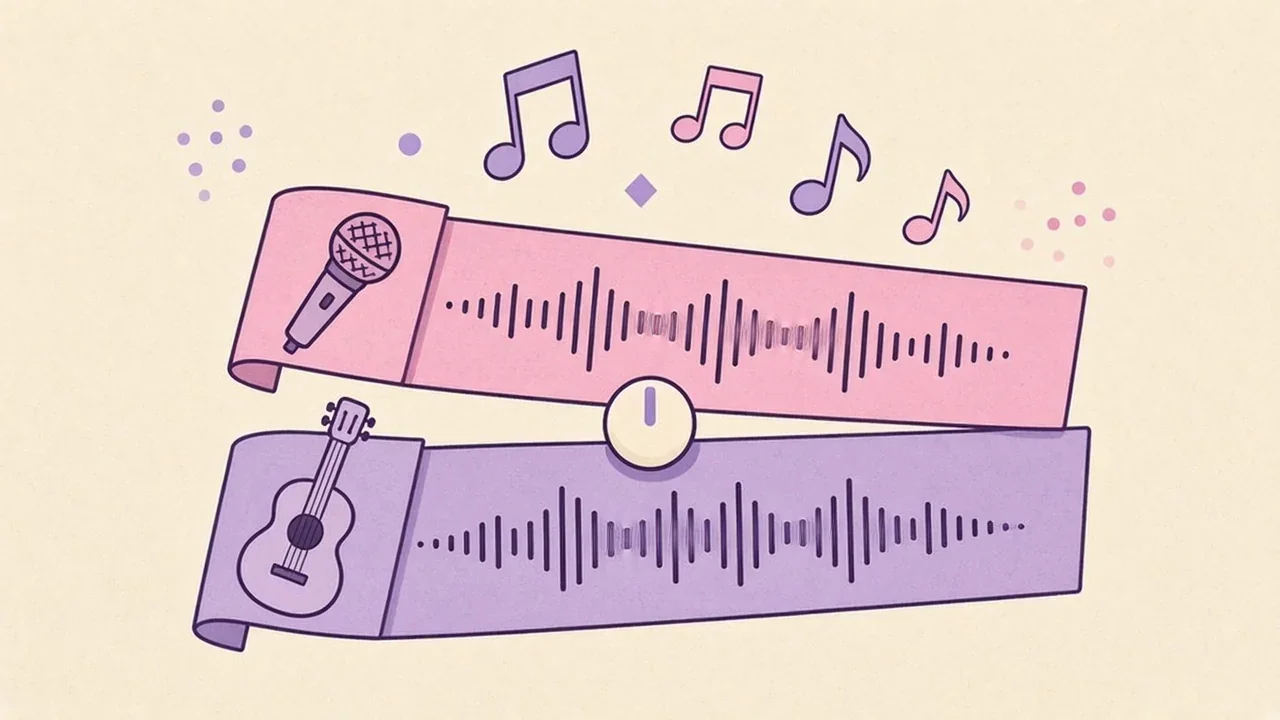
How do I add a second layer to a song idea in Voice Memos?
On supported iPhones, Voice Memos can record a vocal layer over an instrumental take. Apple says you can "record a vocal layer on top of an instrumental recording without using headphones," to "add vocals or a voiceover to an existing instrumental recording, try out lyrics, harmonize with instrumental music, and more" (Apple: Add a second layer to a recording).
Apple lists these models as supporting layered recordings (checked October 20, 2026): iPhone 16 Pro, iPhone 16 Pro Max, iPhone 17, iPhone 17 Pro, iPhone 17 Pro Max, iPhone Air, iPhone 18 Pro and iPhone 18 Pro Max.
- Open Voice Memos and tap the instrumental recording.
- Tap the button to view the waveform, then tap the layer button.
- Tap Record and sing or speak your second layer. Layered recordings get their own icon in the list.
- To balance the two, open the recording's options and drag the Layer Mix slider.
Some details worth knowing before you rely on layers:
- Apple notes: "Only the first layer can be transcribed or recorded in stereo or Spatial Audio."
- Layered recordings use QuickTime Audio format and won't appear on devices running iOS 18.1, iPadOS 18.1, macOS Sequoia 15.1 or earlier. If you Separate Layers, each layer becomes an .m4a.
- You can play a layered recording on any device, even though you can only create one on a supported model.
- With Voice Memos syncing through iCloud, Apple describes opening a layered recording on iPad, exporting it to Files and importing it into Logic Pro for iPad, where the two layers open as separate tracks in Logic Pro 11.1.1 or later.
How do I capture lyric lines so I can search them later?
Say the words, not just sing them. Transcription is built for speech, so a spoken version of a lyric gives you text you can search, while the sung version keeps the melody.
Voice Memos transcribes speech on iPhone 12 or later in a list of supported languages, and search covers titles and transcripts: Apple says results show recordings with your text "either in the title or in the audio transcription" (Apple: View a Voice Memos transcription). Spitball saves each thought with an English transcript and the original audio, so you can search for a word you remember and then replay what you sang. Our guide to transcribing voice memos covers viewing, copying and searching transcripts.
Speech-to-text is designed for spoken words, and transcripts can contain errors even for speech, so don't count on sung lyrics coming out as clean text. Try this pattern instead:
- Sing the line once, the way it came to you.
- Say the same line out loud, clearly, as words.
- Add one sentence of context: "Chorus idea, slow, maybe for the summer song."
That spoken part becomes the searchable handle. Weeks later you can search "summer" or a word from the lyric and land on the right melody. In Spitball, each thought can be up to 5 minutes long, which is plenty for a hook, a verse idea or a lyric sketch. Use Voice Memos for anything longer.
What's a good naming system for song ideas?
Use the same short pattern every time: what it is, how it feels, a few words from the hook. A consistent name turns a pile of "New Recording 47" files into a library you can browse.
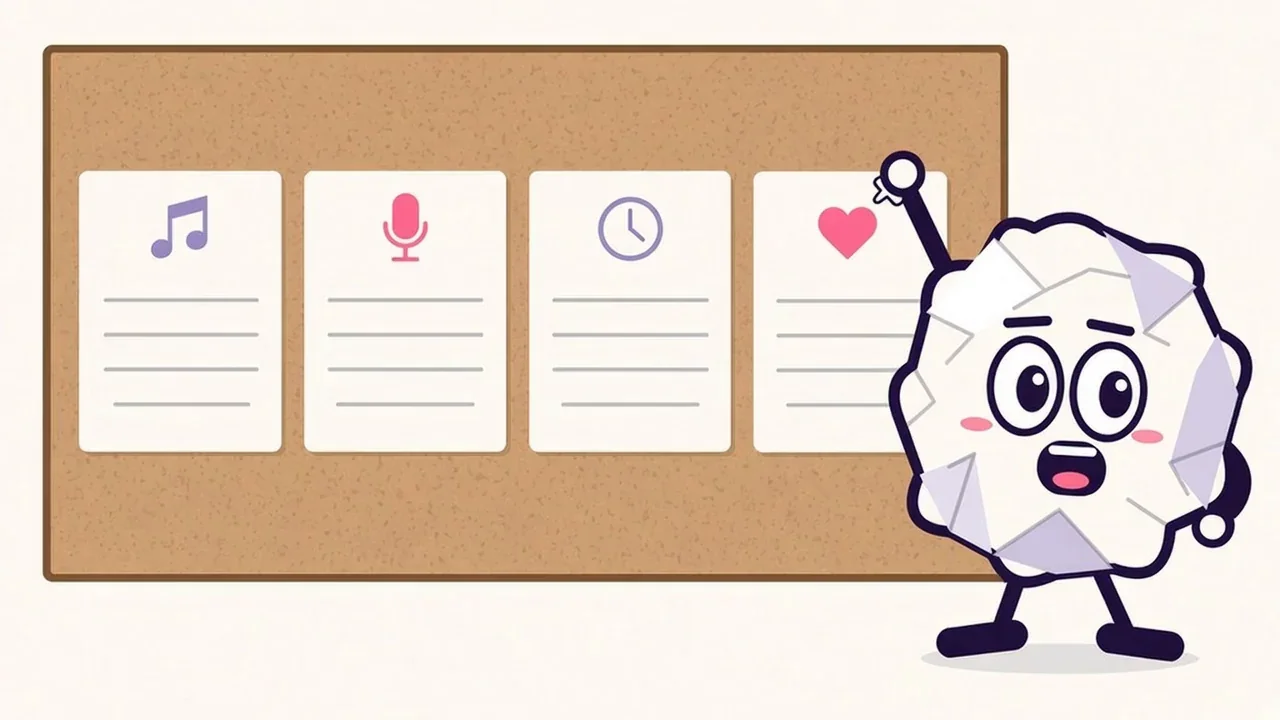
A pattern that works for many writers:
[Type] · [Feel] · [Hook words]
- Hook · slow, minor · paper planes at midnight
- Riff · fast, bright · the Saturday riff
- Lyric · verse 2 idea · lights left on
- Beat · half-time · clap on four
These are illustrative examples, not real captured ideas. Keep the type list short (hook, riff, lyric, beat, chords, full take) so you can scan it. Voice Memos names a new recording "New Recording" or your location if Location Services is on; tap the name to change it. In Spitball, saying the type and hook words at the start of a recording puts them in the transcript, so search can find them.
The date is already stored with each recording, so you don't need it in the name. What you do need is the word you'll search for later.
What should I say before I start singing?
Start with a five-second spoken "slate", the way studios label takes. It costs almost nothing and saves you from guessing later.
- What it is: "Hook idea" or "second verse lyric."
- Where it might go: "Maybe for the slow one with Sam."
- Musical notes: "Capo two, around 80 BPM, starts on the four chord."
- Then the idea itself.
If you're recording with someone else in the room, say so and ask first. Spitball's terms ask you to get any consent required when you record other people, and the same courtesy applies to any app.
How should I review my song idea library?
Set a regular time to listen back, keep the best, and let the rest go. Ideas you never revisit don't become songs.

A simple weekly routine, about 15 minutes:
- Listen to everything from the past week, at normal speed, with headphones.
- Sort each idea into three piles: keep working on it, maybe later, or let it go.
- Rename the keepers with your naming pattern if you didn't at capture time.
- Move the best ones forward: into your DAW, a lyric document or a co-writing session.
- Back up anything precious. Export the strongest takes so they exist outside the app. Our guide to backing up voice notes covers Voice Memos and Spitball step by step.
Good search depends on good words in the recording, so the habits in Leave a better note for future you help here too.
Should I use Voice Memos or Spitball for song ideas?
Use Voice Memos for full takes and layered recordings, and a quick-capture app like Spitball for short, searchable ideas. Many writers use both. For a wider comparison, see Spitball vs Voice Memos vs Notes.
Choose Voice Memos if…
- You're recording a full take, a rehearsal or anything longer than 5 minutes.
- You want to add a vocal layer over an instrumental on a supported iPhone.
- You need external microphone support, stereo or Spatial Audio, or Wide Spectrum sound.
- You want recordings on your iPad and Mac through iCloud, or a path into Logic Pro.
Choose Spitball if…
- You want each short idea saved as its own thought, with an English transcript and the original audio.
- You'd like to add a photo or a place to remember where the idea came from.
- You want capture with a press and hold of the Action button and no account. Thoughts are stored on your iPhone by default, with optional iCloud Sync using your own Apple Account.
- You're happy with a 5-minute limit per thought and an iPhone-only app in beta.
Spitball uses on-device transcription with no cloud transcription fallback. If a recording can't be transcribed on your iPhone, the audio is still saved. For how that works, see how on-device transcription works on iPhone. For a wider look at the options, read our guide to voice notes on iPhone.
About the author
This guide was written by Nik Sharma, the developer of Spitball. Spitball is published by Long Wknd LLC. Nik founded and later sold Sharma Brands, hosts the Limited Supply podcast, and writes a Sunday newsletter at nik.co. You can find him on X (@mrsharma), LinkedIn and Instagram (@sharma).
Questions about capturing ideas in Spitball? Start with Support, or DM Nik at @sharma on Instagram. For Voice Memos, Apple's guides to making a recording and adding a second layer are the best references.
Want a quick place for hooks and lyric lines? Spitball is currently in beta through Apple's TestFlight. You'll need iOS 17 or later, and beta places are limited. It's free right now, and builds can expire. Get the Spitball beta.
A FEW MORE ANSWERS
Good questions.
Can iPhone record two layers in Voice Memos?
Yes, on supported models. Apple lists iPhone 16 Pro, iPhone 16 Pro Max, iPhone 17, iPhone 17 Pro, iPhone 17 Pro Max, iPhone Air, iPhone 18 Pro and iPhone 18 Pro Max (checked October 20, 2026). You can record a vocal layer over an instrumental without headphones, then mix or separate the layers.
How long can a song idea be in Spitball?
Each Spitball thought can be up to 5 minutes long, which suits hooks, riffs, lyric lines and verse sketches. For full run-throughs, rehearsals or anything longer, Apple's Voice Memos app is the better fit, and you can use both side by side.
Does Spitball transcribe singing?
Spitball transcribes English speech on your iPhone, and transcripts can contain errors, so don't rely on sung lyrics becoming clean text. Sing the line, then say it out loud as well. The spoken version gives you searchable words, and the original audio keeps the melody.
Can I use an external microphone with Voice Memos?
Yes. Apple says Voice Memos can record with the built-in microphone, a supported headset or an external microphone, and that an external stereo microphone or audio interface that works with iPhone can record in stereo. Look for accessories marked Made for iPhone or Works with iPhone.
How do I get a Voice Memos song idea into Logic Pro?
Export the recording to Files, then import it. Apple says Voice Memos exports .m4a by default, flattening layers, or an editable QuickTime Audio file if you choose Options and Editable. Layered recordings exported on iPad open as two tracks in Logic Pro for iPad 11.1.1 or later.
Can Voice Memos reduce background noise on a song idea?
On playback, yes. Apple says Enhance Recording reduces background noise and echo when you play Mono and Stereo recordings: tap the recording, tap Options, then turn on Enhance Recording. Apple notes the setting doesn't change the recording itself. Checked against Apple's iPhone User Guide for iOS 27, Oct 20, 2026.